
The WhatsApp Scheduling App that Saves you Time
WA Reminders lets you schedule WhatsApp messages and reminders for later. Works with WhatsApp Business and with regular WhatsApp.
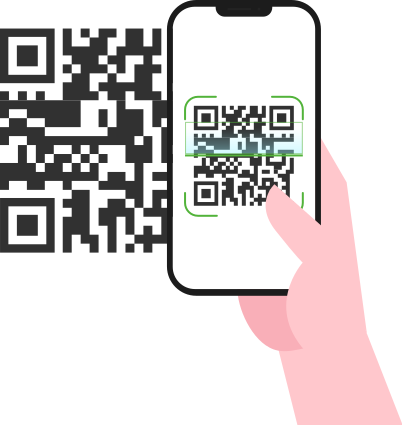
1. Link WhatsApp with a QR code
Link your WhatsApp account by scanning a QR code on your phone. Works like WhatsApp Web.
“I can make sure my clients get the messages at the right time and I can manage the messages from my WhatsApp business account.”
Pietro D.
Phisiotherapy Clinic Owner, Italy
“I can make sure my clients get the messages at the right time and I can manage the messages from my WhatsApp business account.”
Pietro D.
Phisiotherapy Clinic Owner, Italy
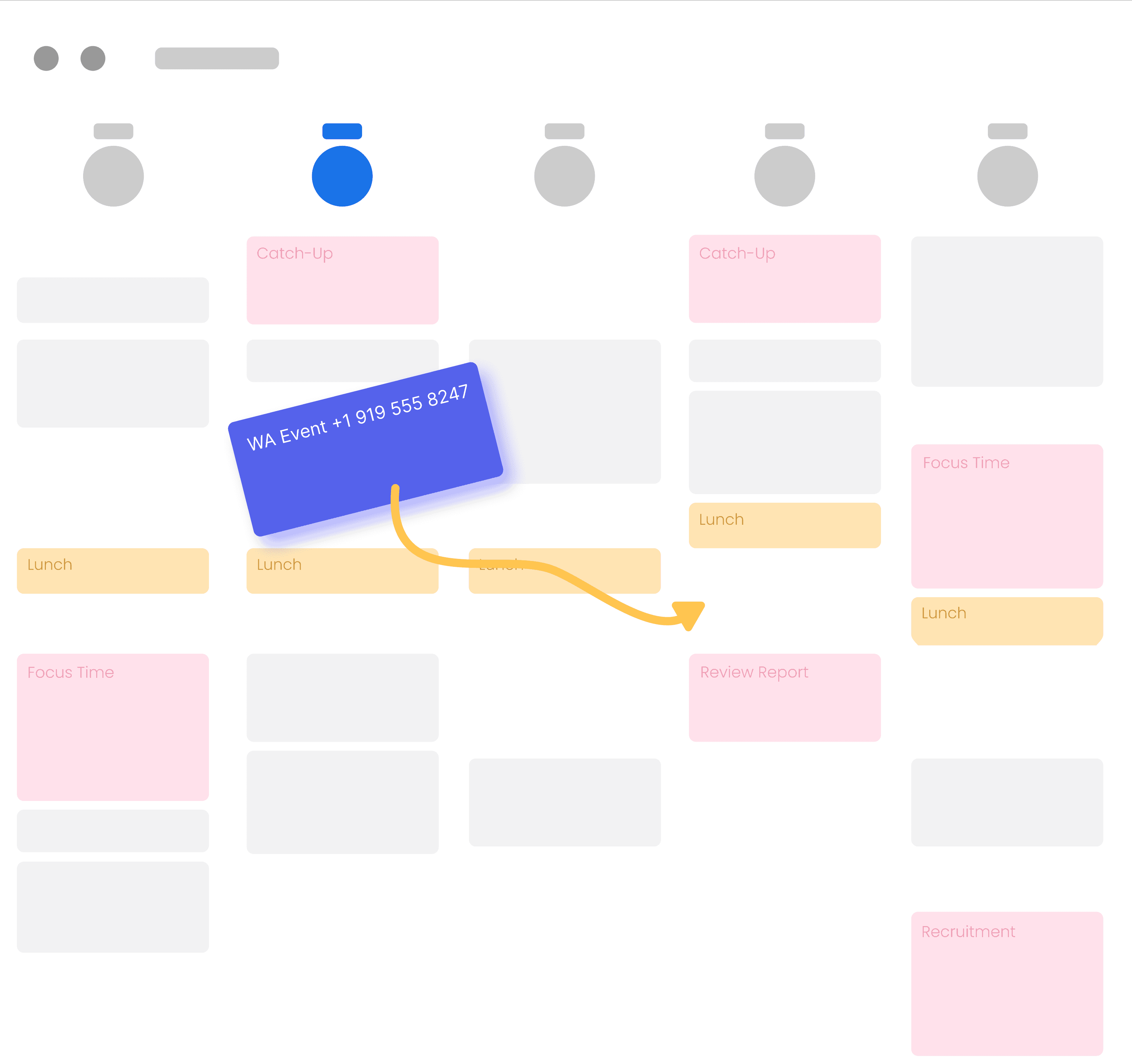
2a. Schedule from Google Calendar
Schedule a message from Google Calendar events. Just add an internationally formatted phone number to the title or description of the event.
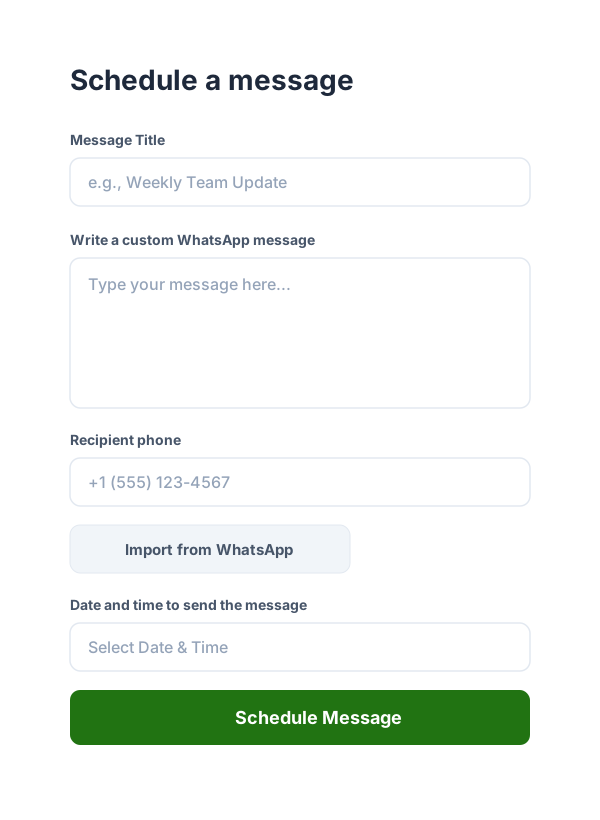
2b. Or schedule from our app
Schedule a message directly from our app. Import your contacts from your phone, Google Contacts or a spreadsheet.
“I get my full contact list automatically when I schedule a message from the app. No more missed payments from my clients!”
Ahmed L.
Entertainment Info Product Owner, Australia
“I get my full contact list automatically when I schedule a message from the app. No more missed payments from my clients!”
Ahmed L.
Entertainment Info Product Owner, Australia
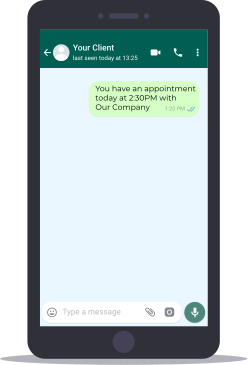
3. Your client gets a message from your own WhatsApp phone
Your client gets a message from your own or your company’s WhatsApp account. Then you can continue the conversation from your WhatsApp account.
What people are saying about WA Reminders
I can keep track of my patients schedule using Google calendar and manage their session reminders all in one place!
I can make sure my clients get the messages at the right time and I can manage the messages from my WhatsApp business account.
I get my full contact list automatically when I schedule a message from the app. No more missed payments from my clients!
Our clinic staff is thankful that they can manage their schedule directly from Google Calendar, no need to use a 3rd party app they don't know how to use.
Recurring message scheduling for WhatsApp saves my employees from missing important reminders for my providers.
Our center uses WhatsApp as the main communication channel, and we really missed the ability to schedule send messages. WA Reminders is a saver for us!
Some more features you might like
Import contacts from your phone, Google or a spreadsheet
Supports recurring events from our app and from Google calendar
Works with Calendly by enabling Google calendar
Manage your conversations from your own WhatsApp account
Pricing plans for your business needs
Get the plan that fits how you work—whether you are solo, a small team, or scaling reminders across a company.
Basic
Perfect for one person businesses
$19
per month
Send 200 WhatsApp messages per month
Reminders sent from your own number
Import contacts from your phone
Sync with Google Calendar and recurring events
Sync up to 4 Google Calendars
Startup
Perfect for small teams or companies
$29
per month
Everything in Basic, plus
Send 500 messages per month
Higher volume for follow-ups and campaigns
Sync up to 12 Google Calendars
Business
Perfect for medium-sized companies
$39
per month
Everything in Startup, plus
Send 1,000 messages per month
Scale reminders across your organization
Sync up to 20 Google Calendars
Prices are in US dollars. 14-day money-back guarantee on all plans if WA Reminders is not a fit—full refund, no questions asked.
Frequently asked questions
Ready for reliable WhatsApp message scheduling?
Connect your number, schedule messages from the browser, and let automation handle the nudges. Start in minutes—every plan includes a 14-day money-back guarantee.